
New Hearing Protection Options for Concertgoers
A summer show at the Fredericksburg Fairgrounds or a packed night near

By: admin | April 22, 2026
Hearing aids do a lot, but they work with what they’re given. A phone call coming through a small speaker, a TV across the room or a conversation at one of Fredericksburg’s busier restaurants puts real distance between you and the sound you’re trying to follow.
That gap is where a lot of daily frustration tends to live and it’s not always a sign that your hearing aids aren’t working. Sometimes it’s just the situation.
Wireless accessories make it easier to follow conversations, hear clearly in different environments and adjust settings without breaking your focus. These tools are built around how people actually go about their day, not just how devices work on paper.
For a lot of our patients, adding one or two of these to what they already have makes a bigger difference than they expected, not because their hearing aids were failing them, but because the right accessory puts the sound exactly where it needs to be.
Hearing aids work better with real world sounds now than they used to. Small add-ons can make things easier, like following a conversation in a busy room or watching TV without turning the volume up for everyone else.
These tools send sound straight from your devices into your hearing aids. It feels more direct, so speech and other important sounds come through more clearly while background noise fades into the background.
The way these devices talk to each other usually happens in one of two ways depending on what brand you use. Many systems use standard Bluetooth to pair with your smartphone or tablet for phone calls and music.
Other setups might require a specific brand streamer that plugs into your TV to send the audio signal directly into your ears. Understanding these differences helps you pick the right setup for your home and daily routine.
Background noise is often the biggest challenge for people who want to stay active in social circles. Remote microphones solve this problem by picking up a specific person’s voice and sending it straight to your ears.
You might consider using a remote microphone in the following places:
Watching your favorite movies or catching up on the news is much more enjoyable when you don’t have to struggle to hear the dialogue.
Wireless television streamers allow you to send audio directly from the screen to your ears, which creates a clear picture of what is being said without any echo from the room. This setup is a lifesaver for households where people have different hearing needs.
You can adjust your personal volume to a level that works for you while your family listens to the TV speakers at a volume that is comfortable for them.
Connecting to other personal electronics like tablets and computers is just as simple using Bluetooth. This makes video calls with grandchildren or watching online clips a private and easy experience.
When you link your devices this way, the sound goes straight into your hearing aids, blocking out household distractions like a humming dishwasher or a barking dog. It is a reliable way to make sure you catch every word during a meeting or a movie.
Handling phone calls is much easier today than it was in the past when you had to hold a handset at just the right angle. Getting your devices synced for the first time involves a few simple steps to make sure they talk to each other correctly:
Moving through different environments often requires a quick change in how you hear the world. For those spending time in Fredericksburg, the shift from a quiet morning walk along the Rappahannock River to the busy atmosphere of a downtown shop can be quite a jump in volume.
Having a remote or a smartphone app allows you adjust settings without actually handling your devices. It keeps things simple and avoids those small, awkward moments of trying to press tiny buttons while you are out.
Handheld controls give you a more direct way to make changes if that feels easier than using the devices themselves. They are small enough to carry in a pocket or bag and let you adjust volume when you need to without much thought.
Using a remote is especially helpful for anyone who finds it difficult to handle tiny parts or prefers a physical button they can feel with their thumb. You can quickly switch to a program designed for music or a noisy restaurant with a single click.
Having these options at your fingertips means you never have to settle for a sound level that isn’t quite right. Most of these tools pair automatically once they are set up, so you don’t have to worry about technical hurdles every time you leave the house.
Assistive listening devices help you hear better in busy public places like theaters, airports or community centers. These systems are designed to make sounds clearer and reduce background noise in large spaces.
Many public places now offer hearing loops or FM systems that send sound directly to your hearing aids if they have a telecoil or compatible receiver.
These devices pick up the main sound and deliver it right into your ears, making it easier to understand speech even in noisy environments. This gives you more freedom to enjoy events and feel included wherever you go.
Using wireless features is a great way to improve your daily life, but it does require a bit more power than standard use. When you stream audio from a television or a phone for several hours, the battery will naturally drain faster than usual.
It is helpful to plan your charging schedule around these activities so you are never left without power during an important event. If you use rechargeable models, placing them in their dock during a short afternoon nap can provide the extra boost needed for an evening of entertainment.
It is always a good idea to talk to your hearing specialist to confirm a new tool will work with your existing setup. This extra check saves you the hassle of dealing with returns or technical glitches that can happen with mismatched technology.
Keeping your devices in good shape involves a few simple habits that help them last longer and work more reliably. Since electronics can be sensitive to moisture and environmental changes, many people find success using a dedicated dry box at night.
Scheduling a visit with your professional is the most effective way to see which tools will work best for your lifestyle. They can offer a clear picture of which microphones, remotes or streamers are compatible with the specific models you wear.
During your appointment, you can describe the specific places where you struggle to hear, like a noisy office or a large family living room. This allows the specialist to recommend a personalized solution that targets your most common challenges.
Professional guidance from a hearing specialist also ensures that your new add-ons are set up correctly from the very start. Your specialist can handle the initial pairing process and show you exactly how to toggle between different settings for your television or phone.
They can also check for any necessary software updates that might improve how your devices communicate with one another. Taking a few minutes to ask questions during your check-up helps you feel more comfortable and ready to use your technology at home.
The right setup looks different for everyone. Someone who spends most evenings watching TV with a spouse has different needs than someone whose main frustration is following a fast-moving conversation at a family dinner or staying on top of calls for work.
That’s why it’s worth actually talking through how you spend your time before adding anything new, because the accessories that make the biggest difference are the ones matched to the specific situations where your current setup falls a little short.
The team at The Hearing Aid Place in Fredericksburg, VA knows this area and the people in it well enough to have that conversation in a way that actually goes somewhere useful. Give us a call at (540) 322-1540 and let’s talk about what your days actually look like.
Tags: assistive listening devices, hearing aid styles, hearing aid technology
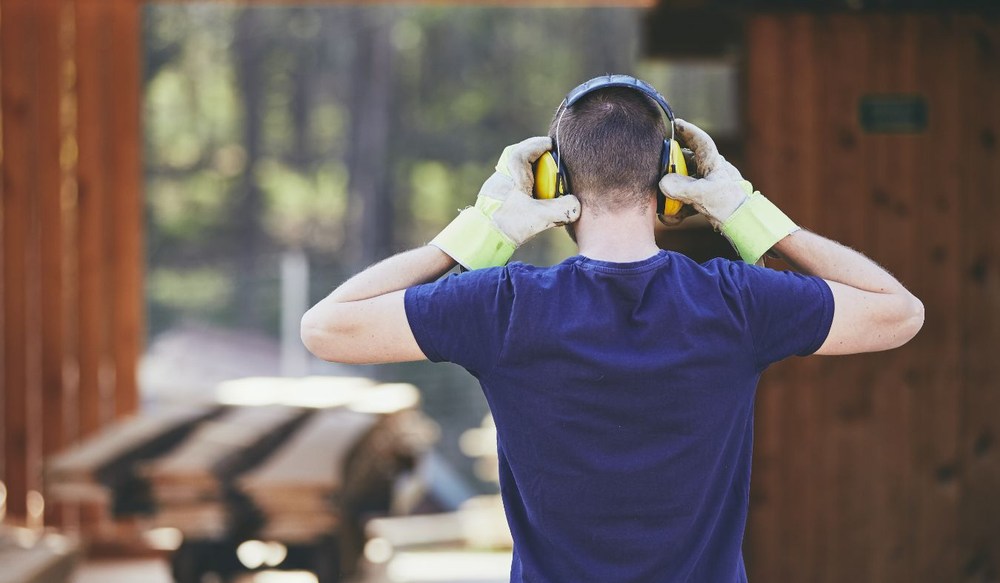
A summer show at the Fredericksburg Fairgrounds or a packed night near
By: admin | September 21, 2026
Hearing aids do a lot, but they work with what they’re given. A
By: admin | April 22, 2026
Static electricity isn’t something most people think about until
By: admin | February 20, 2026